Windows
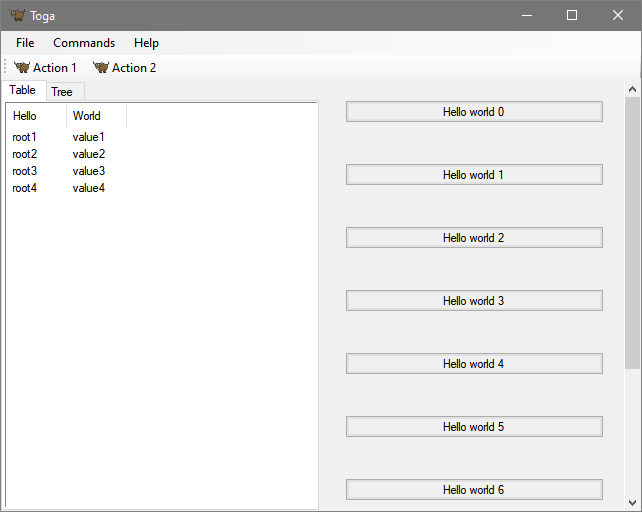
The Toga backend for Windows is toga-winforms.
Prerequisites
toga-winforms requires Python 3.10+, and Windows 10 or newer.
Toga requires the use of either .NET Framework 4.x, or .NET Core 10.
If you're on an x86-64 machine, .NET Framework 4.x is installed by default on Windows 10 and 11. Toga will use .NET Core 10 if it is installed. If you explicitly want to use .NET Framework 4.x, set the TOGA_WINFORMS_USE_NETFX environment variable to "1".
If you're using an ARM64 machine, and you're using a native ARM64 Python interpreter, you must use .NET Core 10. The .NET Desktop Runtime can be downloaded from the .NET website. If you're using an x86-64 interpreter on an ARM64 machine, Toga can use the .NET Framework install that is provided by default.
Toga uses the Python.NET library to access the underlying Winforms GUI toolkit on Windows. Unfortunately, Python.NET doesn't always keep up with the release schedule of Python itself. If you experience problems installing Toga, and you're using a recently-released version of Python, try downgrading to the previous minor release (e.g. 3.13.9 instead of 3.14.0).
If you are using Windows 10 and want to use a WebView to display web content, you will also need to install the Edge WebView2 Evergreen Runtime. Windows 11 has this runtime installed by default.
Installation
toga-winforms is installed automatically on Windows machines (machines that report sys.platform == 'win32'), or can be manually installed by running:
$ python -m pip install toga-winforms
Implementation details
The toga-winforms backend uses the Windows Forms API.
The native .NET APIs are accessed using Python.NET.