Tutorials
Note
Is this the tutorial you're looking for?
If this is your first time using BeeWare, we suggestion you start with the BeeWare tutorial. This tutorial only covers BeeWare's GUI toolkit, Toga, and doesn't cover any of the details of getting your code running on specific hardware platforms. Once you've completed the BeeWare tutorial, this tutorial will introduce more details about Toga's capabilities as a GUI toolkit.
A quick test drive
Before you run through the tutorial, install a Toga app to see what Toga looks like.
Tutorial 0 - A basic app
In Tutorial 0, you will discover how to create a basic app and have a simple Button widget to click.
Tutorial 1 - Capturing user input
In Tutorial 1, you will discover how to capture basic user input using the TextInput widget and control layout.
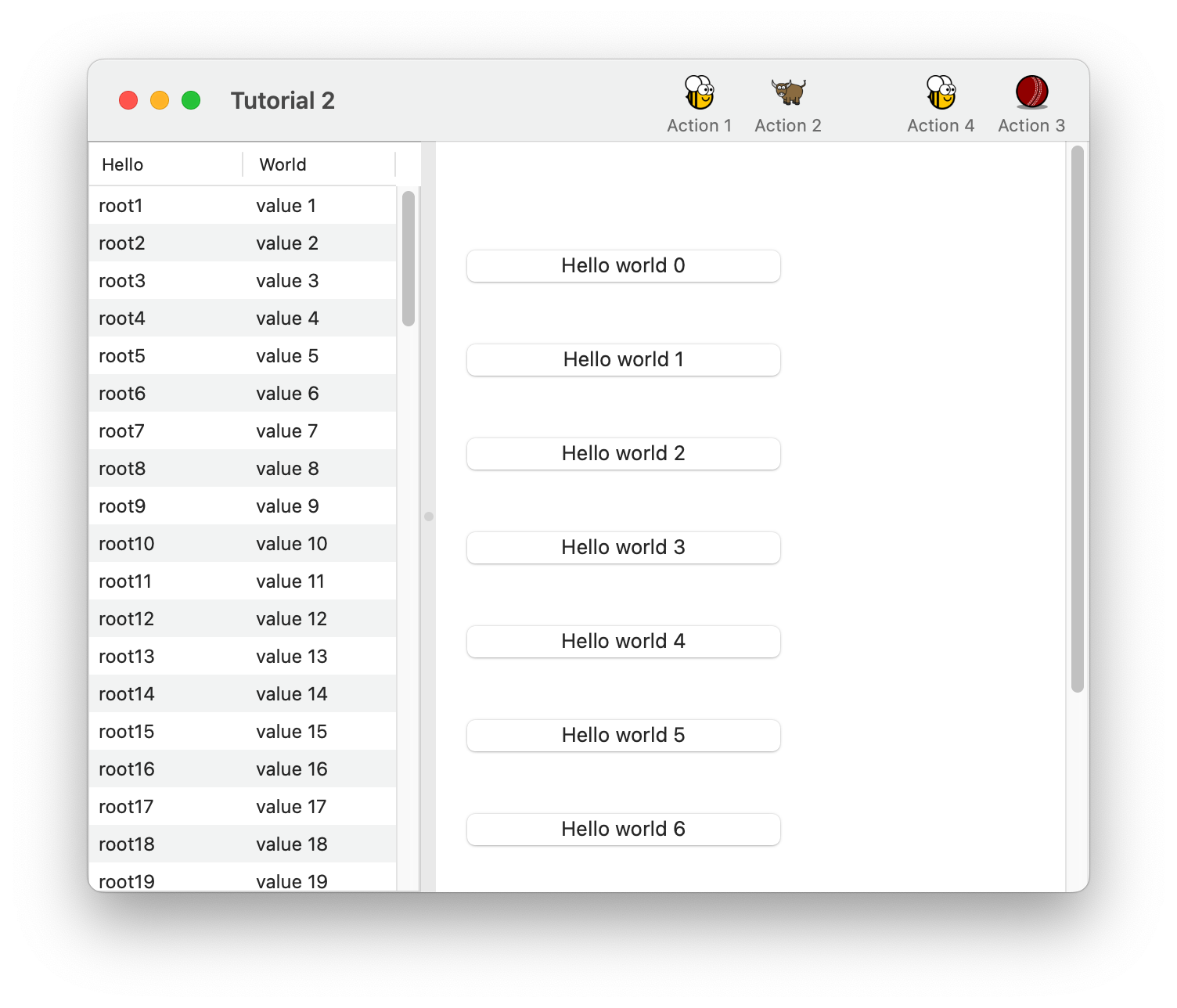
Tutorial 2 - Managing layout
In Tutorial 2, you will discover how to use the SplitContainer widget to display some components, a toolbar and a table.
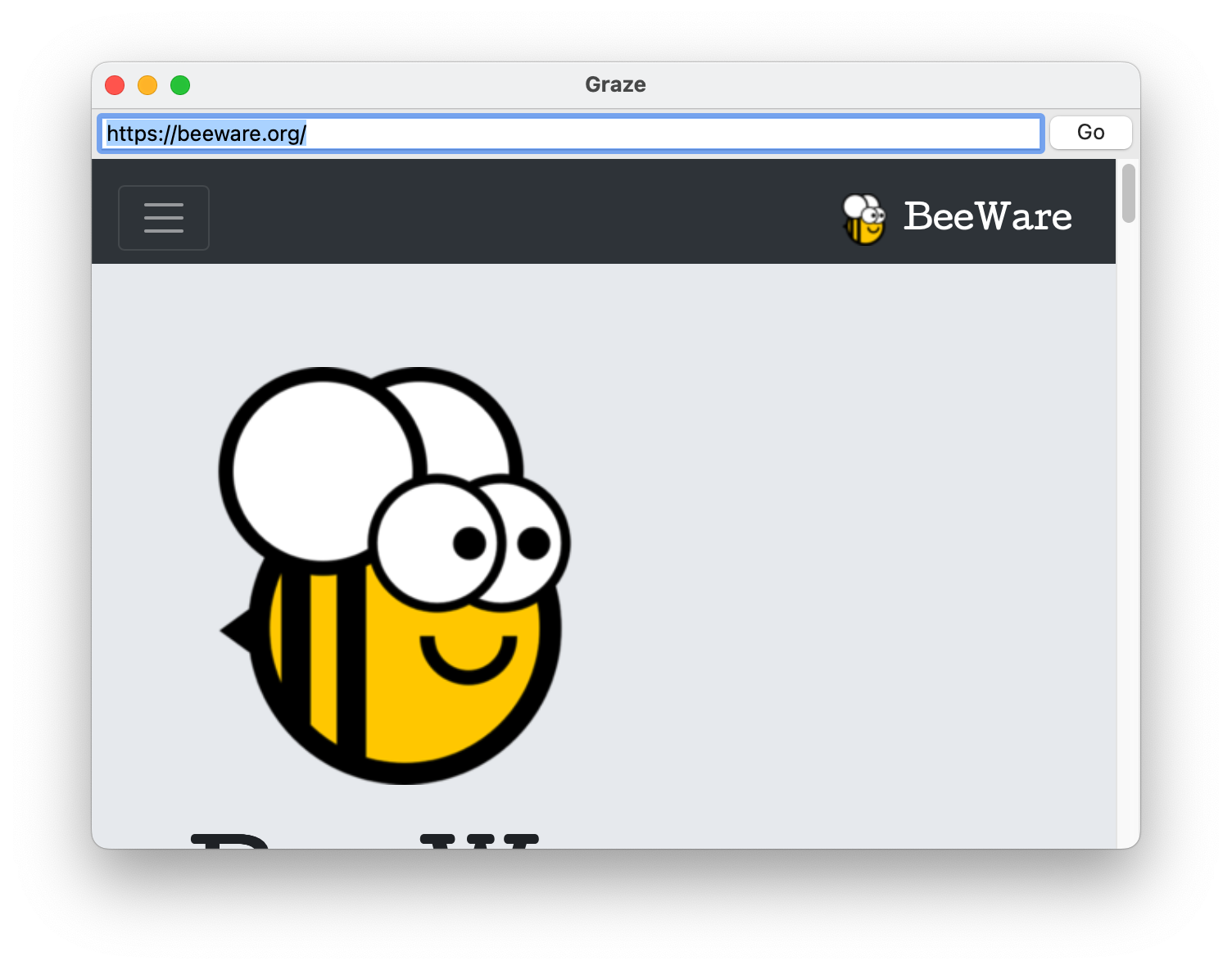
Tutorial 3 - Building a browser
In Tutorial 3, you will discover how to use the WebView widget to display a simple browser.
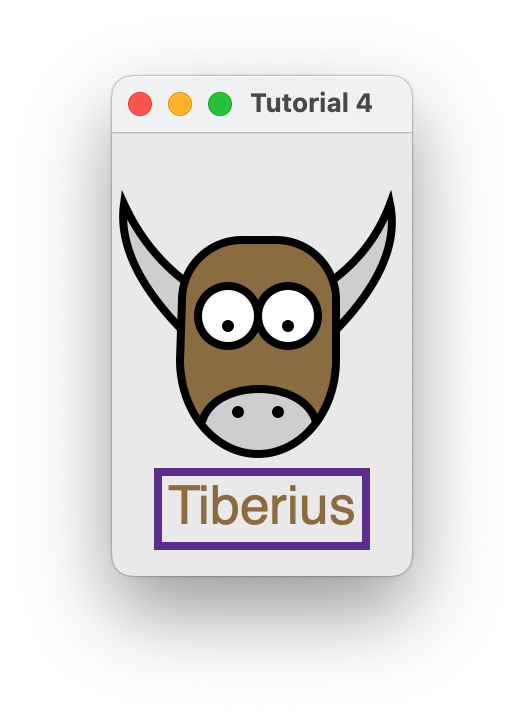
Tutorial 4 - Drawing on a canvas
In Tutorial 4, you will discover how to use the Canvas widget to draw lines and shapes on a canvas.